HIBster Safe Connect

HIBster Safe Connect
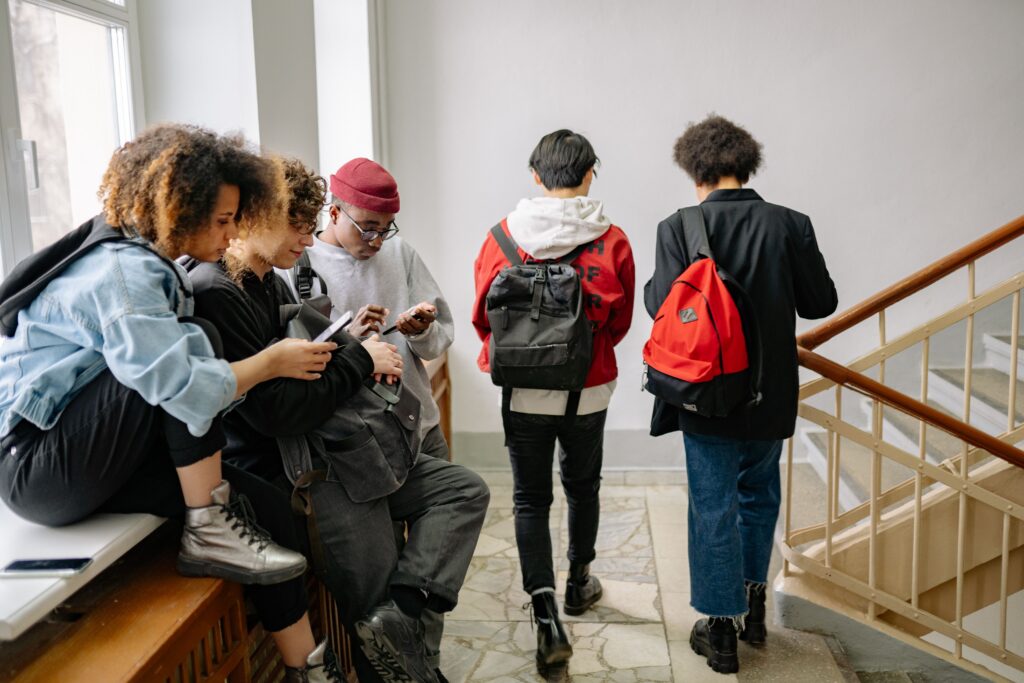
Fewer phone distractions. More time to teach.

HIBster SafeConnect helps schools put bell-to-bell phone policies into practice. A daily app check-in, school-set schedules, and clear status updates help students, staff, and families stay on the same page. Support focused learning while keeping calls available and student privacy protected.

A simpler school day starts with one check-in.

Give teachers a consistent way to support your school’s phone policy, without adding another classroom routine.
  • One student check-in for the school day.
  • Phone restrictions follow your school’s bell schedule.
  • Staff can see check-in status, device enforcement, and approved exceptions.
  • No additional hardware to install.

How SafeConnect works

Check in at the start of the day.

Students open the SafeConnect app and check in once. Your school’s saved schedule sets the phone-free hours.

Keep the focus on learning.

The app restricts supported social apps and games during scheduled school hours. Calls remain available, and approved exceptions stay visible to staff.

Return to regular access at dismissal.

Scheduled restrictions end automatically at the final bell. Early checkout supports students who leave before dismissal. SafeConnect supports Android and iPhone. On iPhone, restrictions use Apple’s Screen Time with student authorization. Staff can see what each device is actually enforcing.

Clear information for your school community.

For teachers

See who has checked in, who has not, and which students have approved exceptions. Check-in status and device enforcement appear separately, giving staff useful context.

For administrators

Manage school schedules, review exception requests, monitor participation, and export records to support reporting and conversations with families.

For parents and guardians

View their child’s phone-away status, receive school notices, and find clear instructions for contacting their child through the school.

Make room for individual needs.

Administrators can approve exceptions for IEP and 504 accommodations, health needs, and translation. Teachers can see approved exceptions without having to resolve them during class.

Support your policy. Respect student privacy.

SafeConnect records school-day check-ins, checkouts, and approved exception decisions without collecting browsing history, messages, screenshots, or keystrokes. Location information does not leave the student’s phone. Access to school records is controlled by staff roles. Read the SafeConnect Privacy Policy

See SafeConnect in action.

Explore how HIBster SafeConnect can support your school’s bell schedule, staff workflows, and phone-free learning goals.